Home / Frame-by-frame animation
Frame-by-frame animation on Windows, in your art app
Limner has a cel-based animation workspace with onion skinning, so you can draw and animate frame by frame in the very same document you paint and ink in, then export a GIF or MP4.
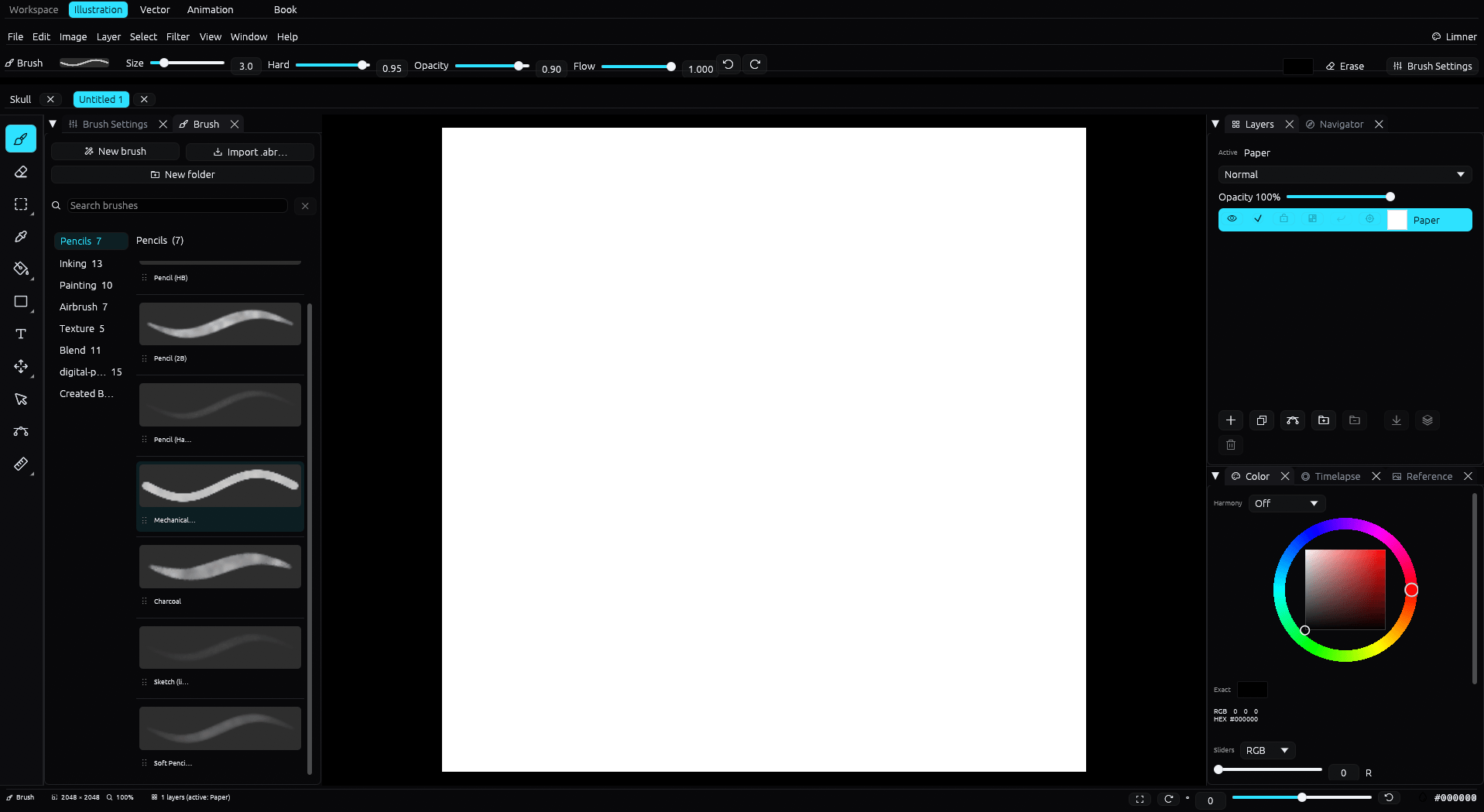
A cel timeline with onion skin
Work frame by frame on a cel timeline, with onion skin showing the frames around you so movement stays consistent. Play it back as you go with the transport controls.
Draw and animate in one place
The Animation workspace uses Limner's raster brushes and layer stack, so there is no round trip to a separate animation program. It is a focused cel workflow rather than a full vector-animation or studio-pipeline system.
Export and share
Animation exports to GIF and MP4, and Limner can import a GIF to start from. Still frames use the same brush engine, layers, and masks as the rest of Limner.
An honest note
Limner is a hand-drawn, cel-style animation tool inside an art studio, not a full studio-pipeline package like OpenToonz or Toon Boom. For frame-by-frame animation that lives next to your illustration and comic work, it fits nicely.
Common questions
Does Limner do frame-by-frame animation?
Yes. It has a cel-based animation workspace with a timeline, onion skinning, and playback.
What can I export?
GIF and MP4. Limner can also import a GIF to animate from.
Can I paint and animate in the same file?
Yes. The Animation workspace uses Limner's raster brushes and layers. Book pages cannot use Animation, and this is not a full vector-animation pipeline.