Home / Procreate alternative on Windows
A Procreate alternative that runs on Windows
Procreate is built for iPad, so there is no version for a Windows PC or laptop. Limner is a native Windows painting app made for the same focused, brush-first drawing, on the hardware you already own.
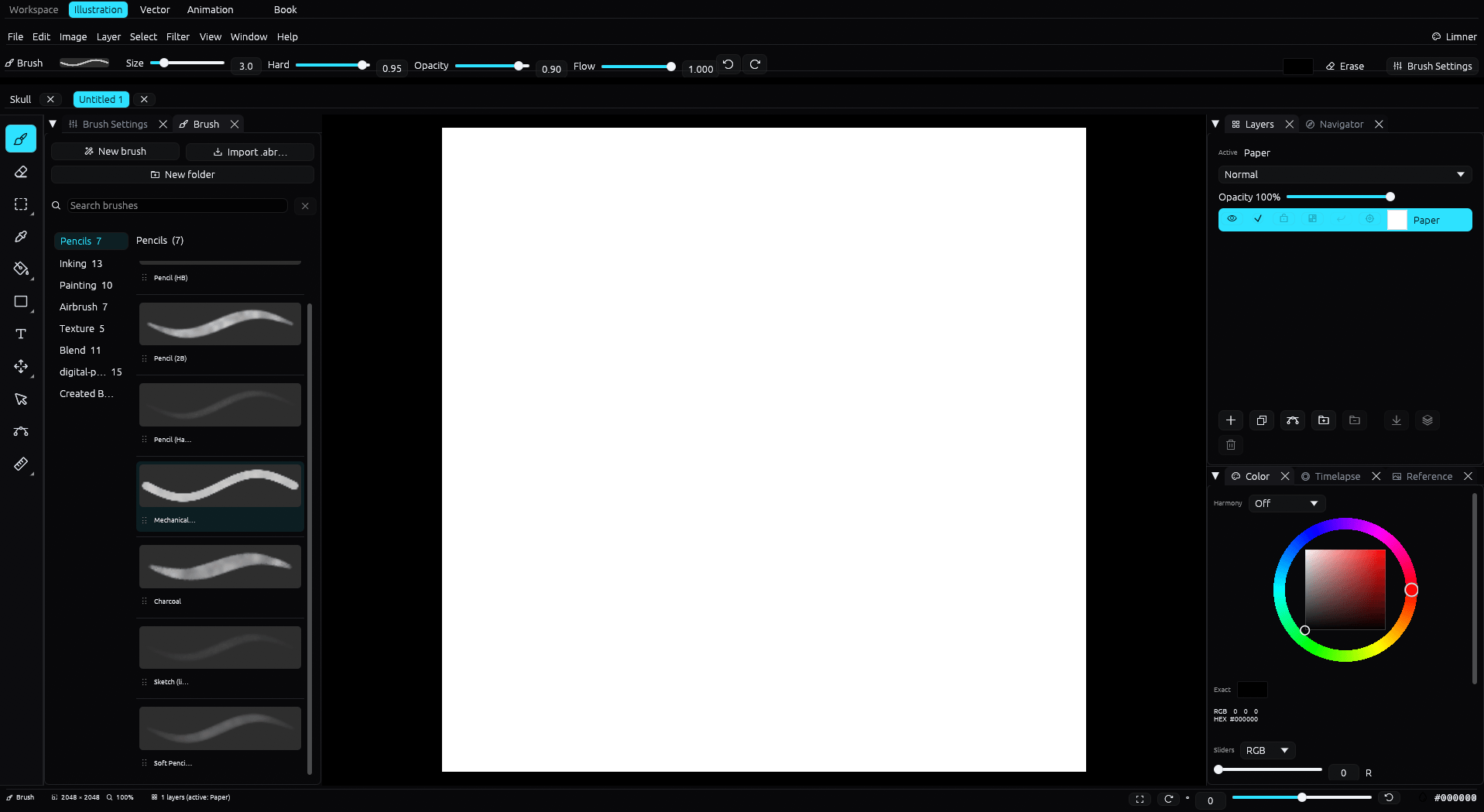
| Limner | Procreate | |
|---|---|---|
| Runs on | Windows 10 and 11 | iPad only |
| Price | Free during beta; post-beta pricing not announced | See Procreate's current App Store listing |
| Pen input | Windows Ink pressure and tilt | Apple Pencil |
| Editable vector | Yes | Limited |
| Frame-by-frame animation | Yes, with onion skin | Basic |
| Multi-page comics and manga | Yes | No |
| PSD | Opens and exports layered PSD | Exports PSD |
| Brush ecosystem | Younger, imports .abr | Large and mature |
Why Windows artists look for a Procreate alternative
Procreate only runs on iPadOS. If you draw on a Windows desktop, a laptop, or a pen display from Wacom, XP-Pen, Huion, or similar, you cannot install it. Limner is native to Windows, so your pressure-sensitive pen, your files, and your muscle memory stay on the computer you already use.
What you get in Limner
- Pen pressure and tilt through Windows Ink, with a stabilizer, taper, and inking correction for clean, confident lines.
- A full brush engine with dynamics and curves. It imports Photoshop
.abrbrush sets as new tips. - Layers with 26 blend modes, clipping, and non-destructive masks.
- Editable vector and frame-by-frame animation workspaces, plus separate multi-page Book projects.
- Records your whole process as a timelapse at up to 4K, saved inside the file.
- Imports and exports layered raster PSD, and exports PNG, JPEG, and SVG.
Free during the beta
Limner is free to use during the open beta. Post-beta pricing has not been announced publicly, so this comparison does not promise a future license model.
An honest comparison
Procreate is a mature, refined app with a large brush and asset ecosystem, and it is excellent on iPad. Limner is younger and still in beta. What Limner offers is a native Windows home for a brush-first workflow, plus built-in process-video export. If you own an iPad and love Procreate, keep using it. If you draw on Windows, Limner is built for that platform.
Moving your work over
Procreate can export PSD, and Limner imports supported 8-bit RGB raster layers from PSD files up to 8192 by 8192 pixels. Features outside Limner's PSD subset may be flattened or omitted, so keep the original file.
Common questions
Does Procreate run on Windows?
No. Procreate is made for iPadOS and there is no Windows version. Limner is a native Windows alternative.
Is Limner the same as Procreate?
No. Limner is its own app, with its own tools and workflow. It is built for the same brush-first kind of drawing, on Windows.
Can I bring my art across?
Procreate exports PSD, and Limner imports supported 8-bit RGB raster layers. Limner also imports Photoshop .abr brush files as new tips.
What does Limner cost?
Limner is free during the beta. Post-beta pricing has not been announced publicly.