Home / Vector and raster on one canvas
Vector and raster art on one canvas
Most tools make you choose: a raster painting app or a vector drawing app. Limner keeps both in one document, so you paint and place editable vector lines side by side.
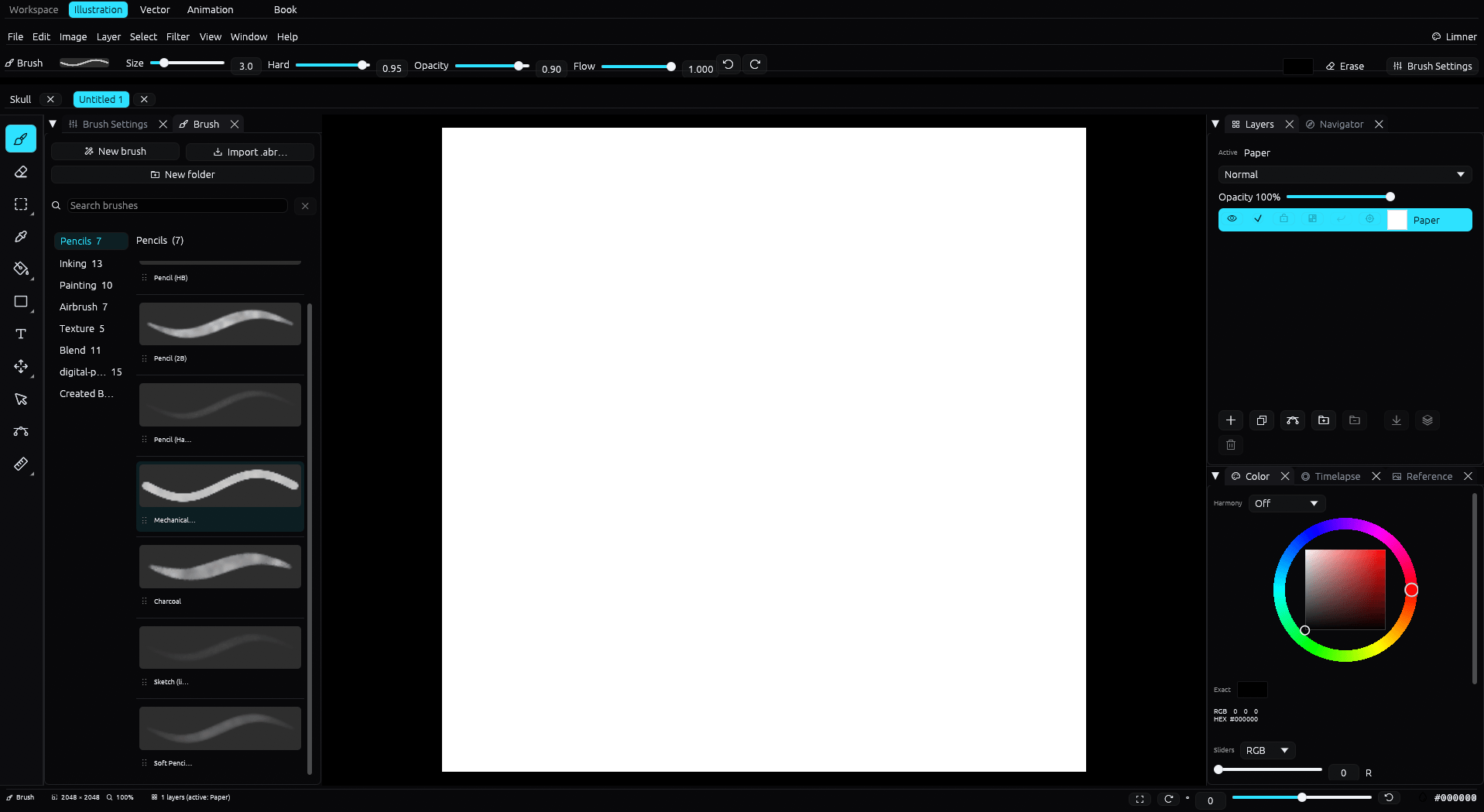
One document, focused workspaces
Illustration, Vector, and Animation are document workspaces. Raster and editable vector layers can share a normal document; separate Book projects organize multi-page Illustration or Vector pages.
Raster where you want texture
- A full brush engine with dynamics, layers, blend modes, and non-destructive masks.
- Imports Photoshop
.abrbrush tips, and opens and exports layered PSD.
Vector where you want clean, editable lines
- An editable pen with Bezier paths and pathfinder booleans.
- Reshape a line after you draw it, then export to SVG.
Why one canvas helps
Ink a character in crisp vector, paint the background in raster, and keep everything in the same file. No round trips between two programs, no exporting just to combine.
Common questions
Can I mix vector and raster layers?
Yes. Raster paint layers and editable vector layers live in the same document, and you switch workspaces without leaving the file.
Does it export SVG?
Yes. Vector art exports to SVG, and the document exports to layered PSD, PNG, and JPEG.
Is vector editable after drawing?
Yes. Vector lines use editable Bezier paths you can reshape, with pathfinder booleans.