Home / Manga drawing software
Manga drawing software for Windows
Limner is a native Windows studio for drawing manga: a Book keeps multi-page Illustration or Vector pages, panels, inking, and page order in one project file.
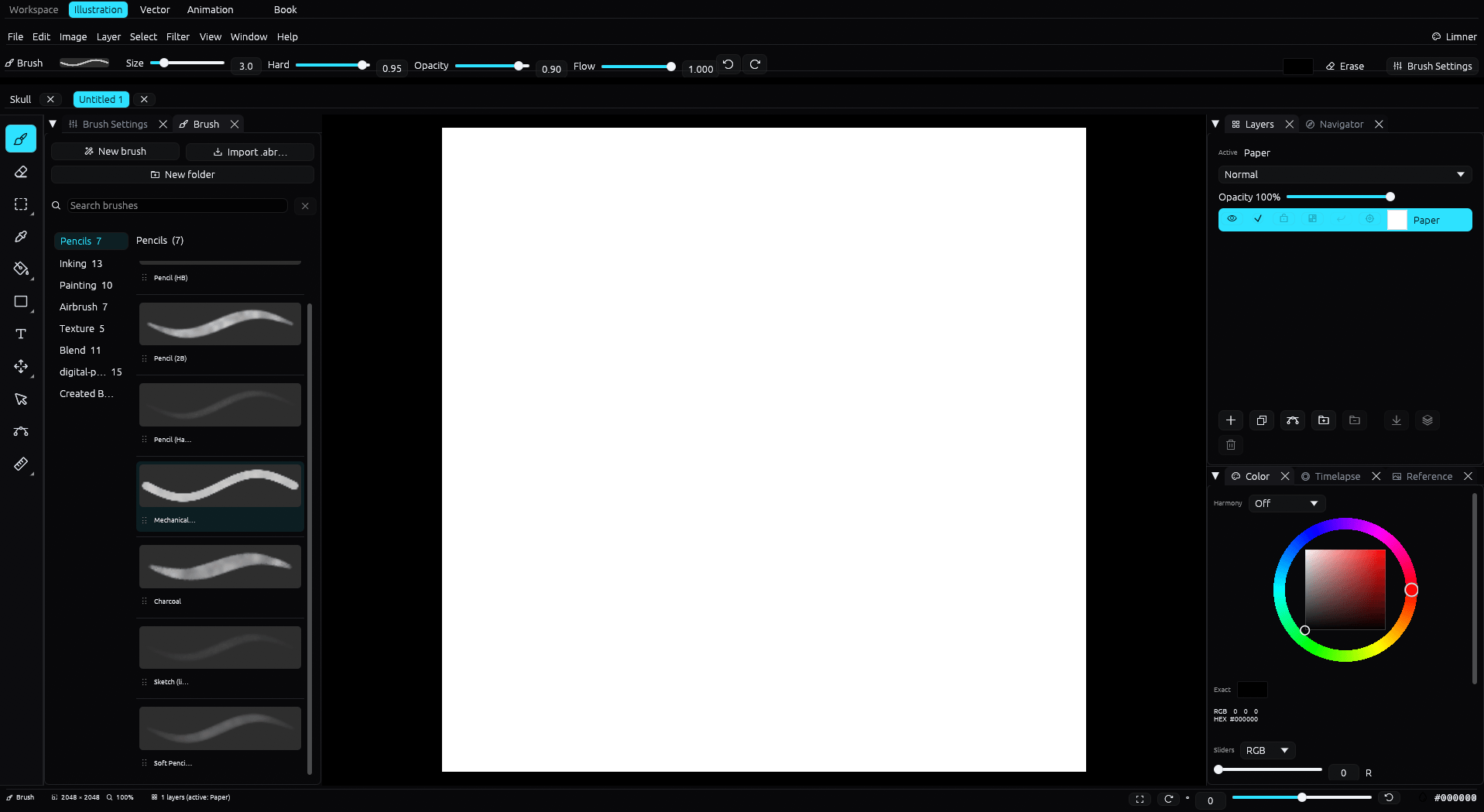
Pages and panels
A Book project holds multi-page Illustration or Vector pages. Lay out panels, manage page order, and keep every page in one .limnerbook file rather than juggling separate documents. Books do not support Animation pages.
Inking that stays clean
- A stabilizer and taper for steady, tapering strokes.
- Post-stroke inking correction that smooths a line without losing intent.
- Crisp aliased brushes suited to fine line and screentone work, plus a Binarize filter for a clean two-tone result.
- Editable vector line art when you want lines you can reshape after the stroke.
Draw, then take it anywhere
Limner opens and exports layered PSD, and exports PNG and JPEG, so pages move into whatever your team or printer uses. Pen pressure and tilt come through Windows Ink.
Common questions
Can Limner do multi-page manga?
Yes. A Book project holds Illustration or Vector pages with panels and a Page Manager in one .limnerbook file.
Does it have screentones?
Limner has crisp aliased brushes suited to fine line and screentone work, and a Binarize filter for clean two-tone art. It does not ship a large screentone material library like some bigger apps.
What does Limner cost?
Limner is free during the beta. Post-beta pricing has not been announced publicly.