Home / Clip Studio Paint alternative
A Clip Studio Paint alternative for Windows
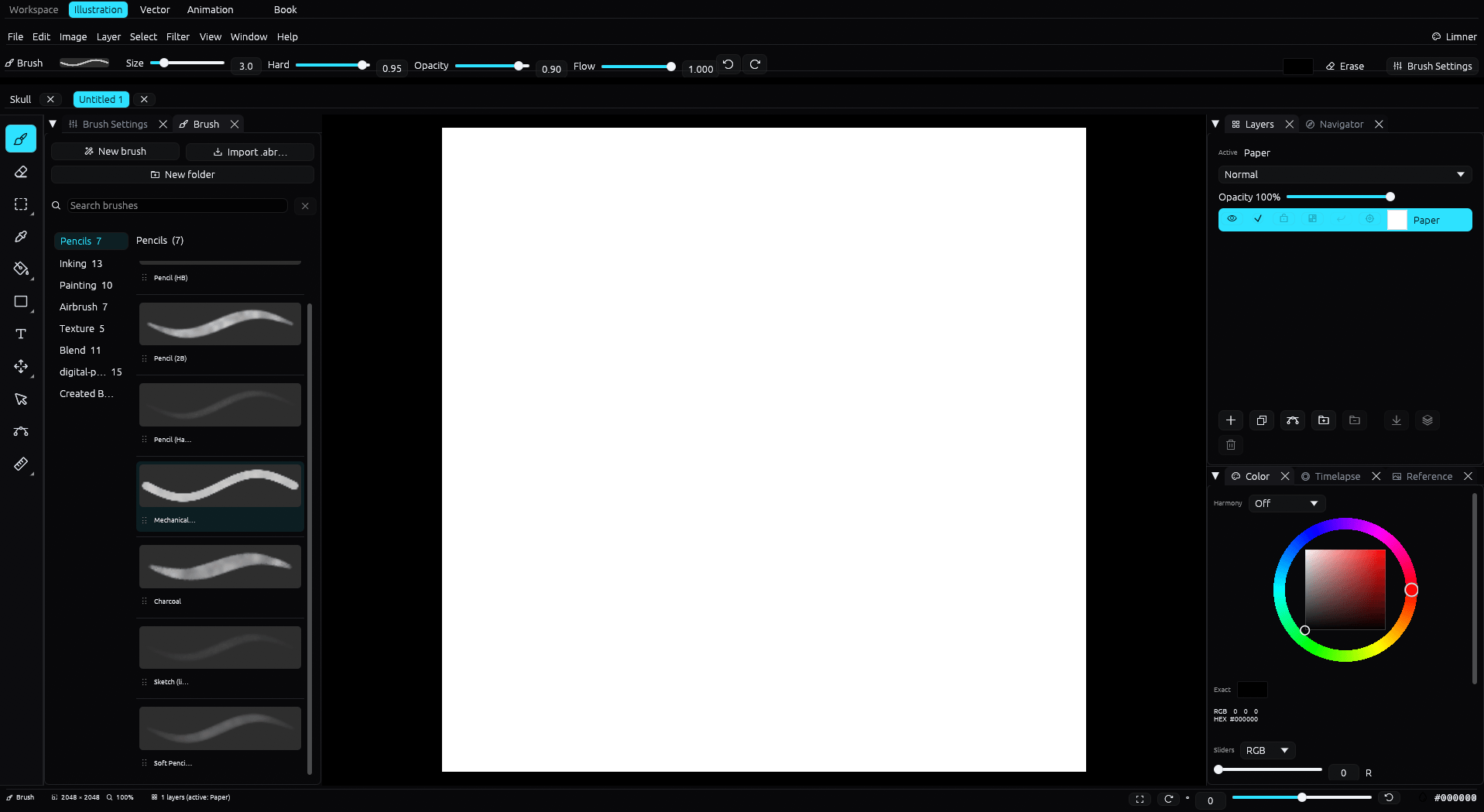
Clip Studio Paint is a deep, capable studio. If you want a focused native Windows beta, Limner combines painting and inking with vector, animation, Book projects, and opt-in process-video recording.
| Limner | Clip Studio Paint | |
|---|---|---|
| Price model | Free during beta; post-beta pricing not announced | See Clip Studio Paint's current plans |
| Platform | Windows | Windows, macOS, iPad, and more |
| Raster, vector, animation, comics | Included; Books use Illustration or Vector pages | Included, with deeper comic tooling |
| Asset store and 3D models | No | Large store and 3D reference |
| Weight | Light, runs on integrated graphics | Heavier, more to learn |
| PSD | Opens and exports layered PSD | Opens and exports PSD |
Where Limner fits
Clip Studio Paint runs on Windows and is very feature rich, with a large materials and asset store, 3D models, and deep comic tools. Limner is a younger, more focused Windows app. Illustration, Vector, and Animation are separate workspaces; Book projects organize multi-page Illustration or Vector pages.
What Limner does well
- Inking with a stabilizer, taper, and correction, plus editable vector lines you can reshape after the stroke.
- A brush engine with dynamics that also imports Photoshop
.abrtips. - Frame-by-frame animation with onion skin, exporting GIF and MP4.
- Multi-page comic and manga projects with panels and a page manager.
- Layered PSD in and out, plus SVG, PNG, and JPEG.
- Native 4K timelapse recording saved in the file.
Pricing during the beta
Limner is free during the open beta. Post-beta pricing is not yet public, so choose it for the workflow rather than an unannounced license promise.
An honest comparison
Clip Studio Paint is more mature and has a wider feature set, a huge asset library, 3D reference tools, stronger comic production, and a larger ecosystem. Limner trades that breadth for a focused native Windows workflow and opt-in 4K timelapse recording. If you rely on Clip Studio's assets, 3D, or production tools, it is still the better fit.
Common questions
Does Limner open Clip Studio files?
Not the native .clip format. The common bridge is PSD: Clip Studio can export a layered PSD, and Limner opens PSD with its layers.
What does Limner cost?
Limner is free during the beta. Post-beta pricing has not been announced publicly.
Can it do comics and manga?
Yes. Limner has a multi-page comic and manga workspace with panels and a page manager, alongside raster and vector tools.