Home / Import .abr brushes
Use Photoshop .abr brushes in Limner
Limner imports Photoshop .abr brush files as new brush tips, so the brushes you already collected are not stuck in another app.
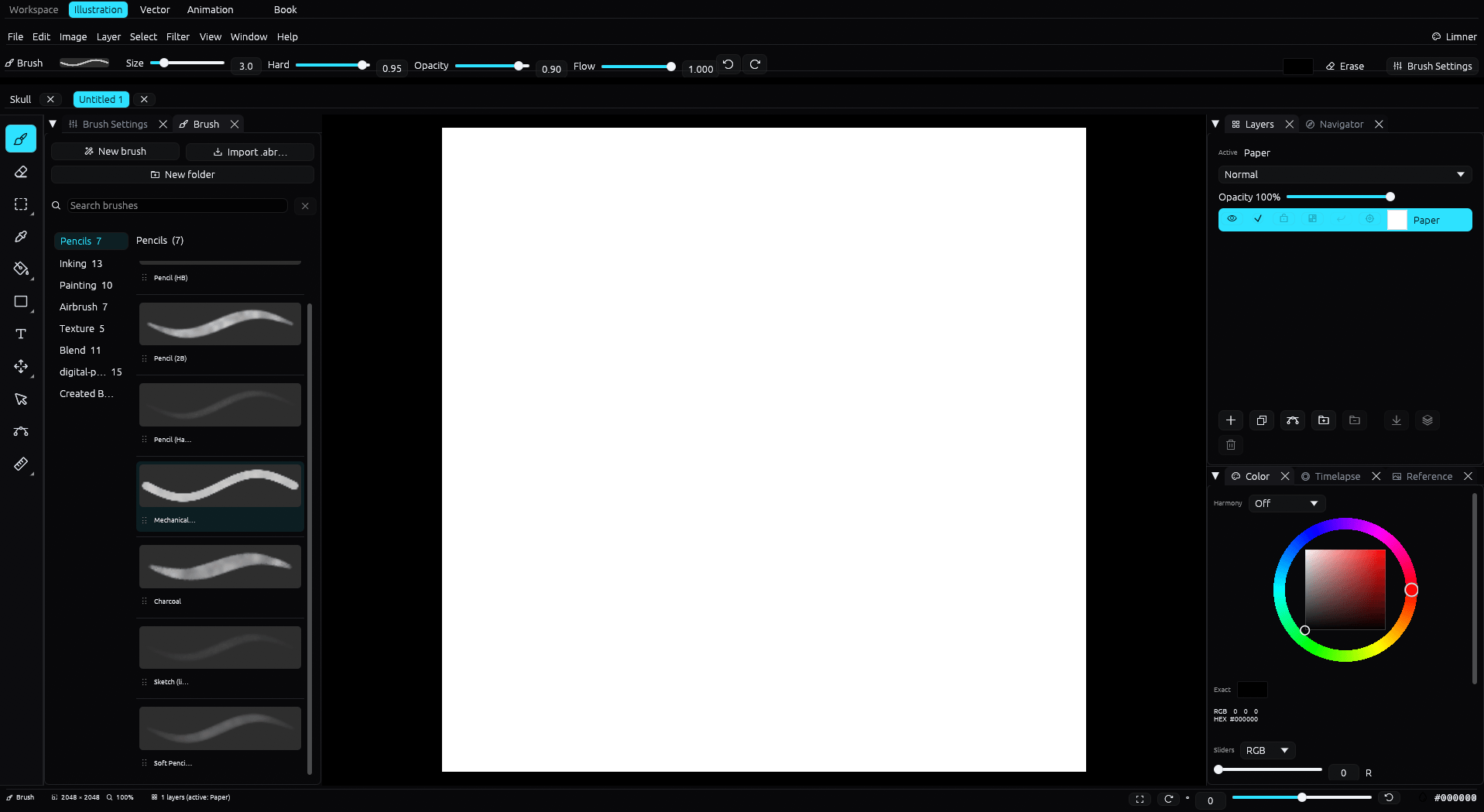
How importing works
From the brush picker, choose Import .abr and select a Photoshop brush file. Its shapes come in as new brush tips. From there you set size, dynamics, and behavior with Limner's own brush engine and curves, and save them into your library.
Build on top of them
Limner's brush engine adds pressure, tilt, velocity dynamics, curves, and blend behavior around the imported tip. ABR exchange covers supported tip images, not a lossless transfer of application-specific brush dynamics. Limner can export supported tips to .abr.
Part of a native Windows studio
Brush import sits inside a full painting app: layers and masks, inking correction, vector line art, animation, comics, and 4K timelapse, all on Windows.
Common questions
What imports from an .abr file?
The brush tip shapes import as new tips. You then set dynamics and behavior with Limner's brush engine.
Can I export brushes too?
Limner exports supported brush tip images to .abr. Application-specific dynamics and behavior do not round trip.
Where is the import option?
In the brush picker top row: New brush, Import .abr, New folder, and search.