Home / PSD import and export
Open and export layered PSD on Windows
Limner reads and writes supported 8-bit RGB raster layers in Photoshop PSD files. It is a practical bridge for painting files, not a lossless round trip for every Photoshop feature.
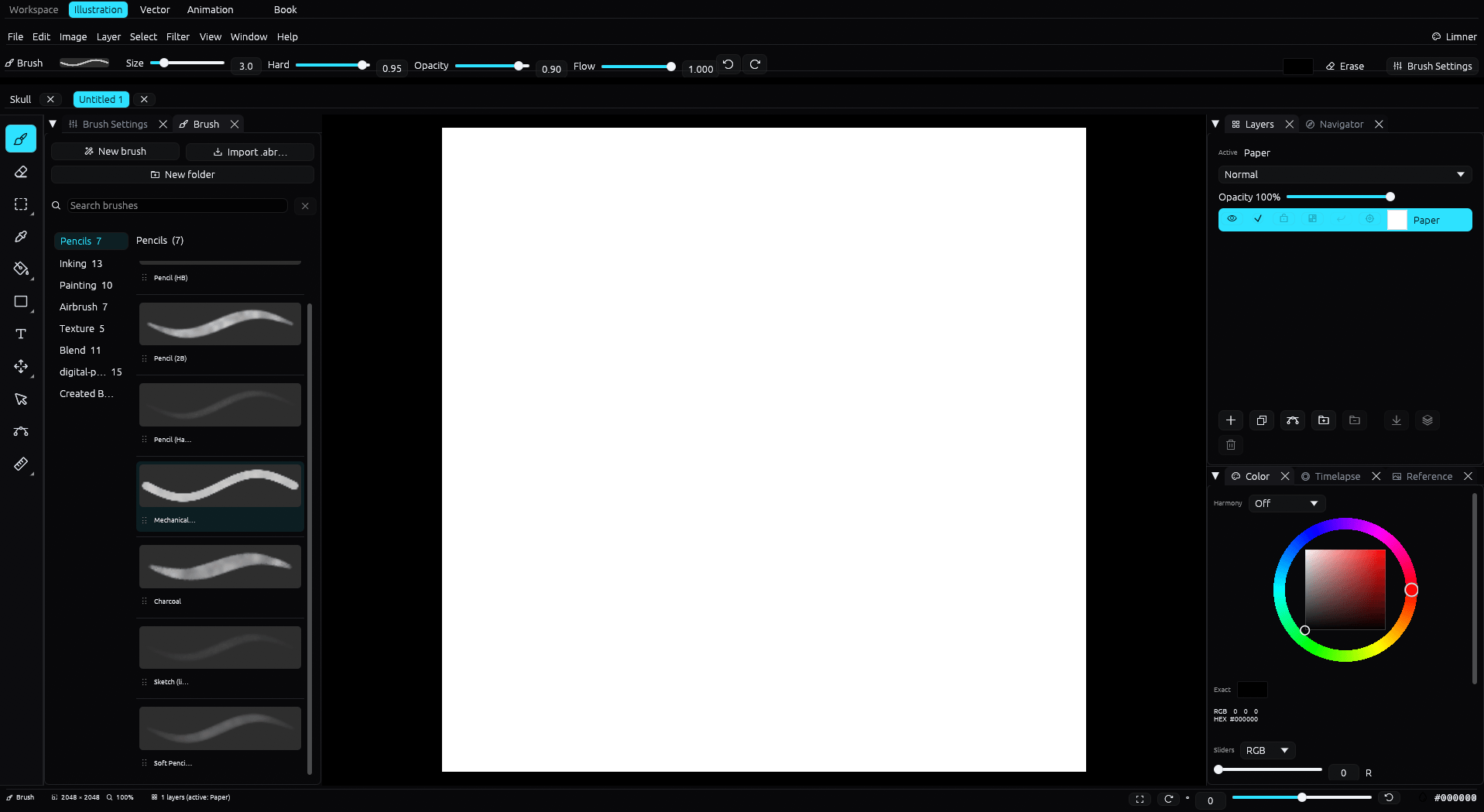
Import
File, Import PSD opens supported 8-bit RGB raster layers as a new Limner document. The import canvas limit is 8192 by 8192 pixels. Masks, smart objects, adjustment layers, editable text, effects, color profiles, and every Photoshop group semantic are not guaranteed to round trip.
Export
Limner exports layered raster PSD for exchange with other apps. It also exports PNG, JPEG, and SVG. The file picker and drag and drop accept PNG, JPEG, GIF, WebP, BMP, TGA, and TIFF.
Why it matters
PSD is the common language between art apps. Because Limner reads and writes it, you can start a piece elsewhere and finish it in Limner, or hand a layered file to a collaborator who uses a different tool.
Common questions
Does Limner keep my PSD layers?
Limner preserves supported 8-bit RGB raster layers and exports layered raster PSD. Keep the original for Photoshop-only features and complex structure.
Is there a size limit?
PSD import supports canvases up to 8192 by 8192 pixels.
What else can it open?
PNG, JPEG, GIF, WebP, BMP, TGA, and TIFF images, plus tip shapes from Photoshop .abr brush files.