Home / Krita alternative
A Krita alternative for Windows
Krita is a capable, free, open-source painting app, and it is a great choice for many artists. If its workflow or feel is not clicking for you, Limner is another native Windows option to try.
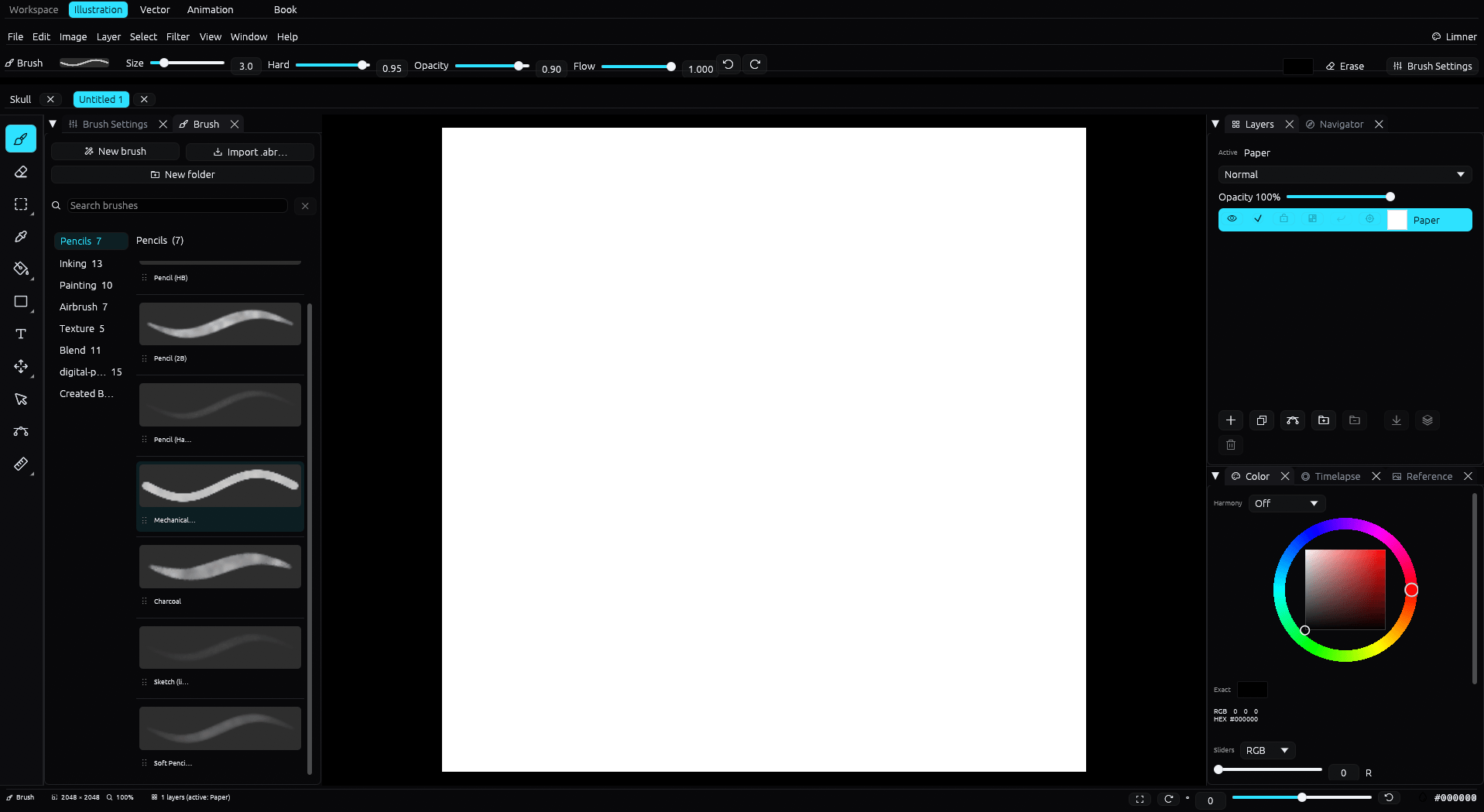
| Limner | Krita | |
|---|---|---|
| Price | Free during beta; post-beta pricing not announced | Free and open source |
| Platform | Windows | Windows, macOS, Linux |
| Workflow | Raster, vector, animation; separate Book projects | Painting, frame animation, basic vector |
| Timelapse recording | Built in, up to 4K, saved with the file | Recorder Docker; exports via FFmpeg |
| PSD | Opens and exports layered PSD | Opens and exports PSD |
| Photoshop .abr brushes | Imports | Imports |
Being straight with you
Krita is free and open source, runs on Windows, and is genuinely good. Limner is not cheaper than free, so the reason to try it is a different feel and a more unified workflow, not price. It is worth being honest about that up front.
What is different in Limner
- A painting-first Windows workspace, with separate Vector and Animation workspaces plus multi-page Book projects.
- Inking with a stabilizer, taper, and post-stroke correction tuned for clean lines.
- Native 4K timelapse recording that lives inside the file and resumes across sessions.
- Imports Photoshop
.abrbrush tips, and imports and exports a supported layered-raster PSD subset. - A tiled GPU pipeline designed for modest PCs as well as discrete GPUs.
An honest comparison
Krita is mature, free, and has years of community brushes and features. Limner is in beta and does not match Krita's breadth. Where Limner aims to win is feel: a calmer, more focused workspace, integrated vector and comic tools, and timelapse baked in. Many artists happily use both. Try Limner and see which one you reach for.
Pricing during the beta
Limner is free during the beta. Post-beta pricing has not been announced publicly.
Common questions
Is Limner free like Krita?
Limner is free during the open beta. Krita is free and open source. Limner's post-beta pricing has not been announced publicly.
Can I use my Krita brushes?
Krita brush bundles are not supported directly, but Limner imports Photoshop .abr brush files as new tips.
Does Limner open Krita files?
Not the native .kra format. Krita can export a layered PSD, and Limner opens PSD with its layers.